.gitignore
/.quarto/
/_site/Full documentation available on the quarto website. There are many ways to achieve this, we will here present the quarto publish to gh-pages option, which I found to be easiest.
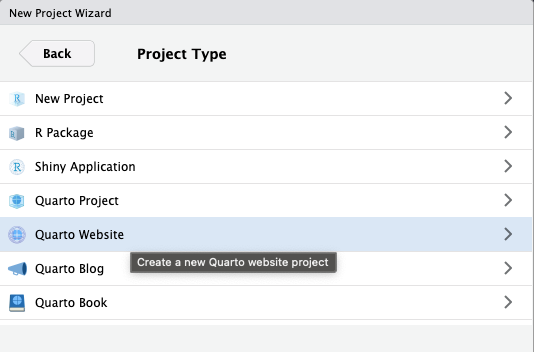
index.qmd : main home page_quarto.yml : for general website appearance (including navigation and side bars).qmd file,_quarto.ymlindex.qmd fileFor the initial publication of the website, a few setup steps are necessary, which will then facilitate the later publication updates.
.gitignore.gitignore
/.quarto/
/_site/If those files have already been committed before, refer to the procedure described in the git ignore guide
Commit and push your current progress.
In the terminal, enter the following git commands
Terminal
git checkout --orphan gh-pages
git reset --hard # make sure all changes are committed before running this!
git commit --allow-empty -m "Initialising gh-pages branch"
git push origin gh-pages
Double check that the source branch for publication on the github website has been indeed configured to “gh-pages”
Go back to your main branch, you will never have to touch the gh-pages branch ever again
To publish or update your website enter the following command in the terminal
Terminal
quarto publish gh-pagesYou will be prompted to confirm the update by a message similar to this one :
? Update site at https://OFCE.github.io/ermeeth_project/? (Y/n) › Enter Y to confirm or N to abort, press the Return key to act.
Done!
Quarto will render all the .qmd files present in the repository, so make sure only the necessary ones are included in your website development branch.
In theory, you can build a website on an existing repository:
Only one website per repository